The BEE Suite

The public SaaS command center for childcare providers that need enrollment, tours, registration, attendance, parent communication, staffing, billing readiness, compliance support, and multi-location reporting in one role-safe workspace.
Welcome back, Maya
Here is what is happening across your centers today.
Good morning. Mr. Bee found 2 tours today, 4 follow-ups due, and 3 compliance reminders that need review.
A CRM built around childcare enrollment, not generic sales.
Every inquiry is tied to a center, program, family, child, tour, status, source, and follow-up history. Schools can create and edit leads directly while executives keep the system-level view across brands, owner groups, and centers.
Capture every inquiry
Website embeds, online registration packets, manual lead entry, location routing, Google Sheets backup, and notification emails all feed the same CRM record.
Move families with context
Directors can update stages, notes, tours, tasks, start dates, program interest, and child details without leaving the pipeline.
Follow up with Mr. Bee
AI suggestions draft warm replies and next steps, while sensitive enrollment, billing, safety, and compliance decisions stay human-reviewed.
The workflows connect instead of living in separate tabs.
Inquiry capture, online registration, classroom engagement, billing readiness, compliance work, reporting, and AI assistance share the same center-aware foundation, so schools do less duplicate admin work.
Enrollment capture
Parents inquire or submit an online registration packet, the form routes by school, the CRM creates the lead, and the school receives a notification.
School day engagement
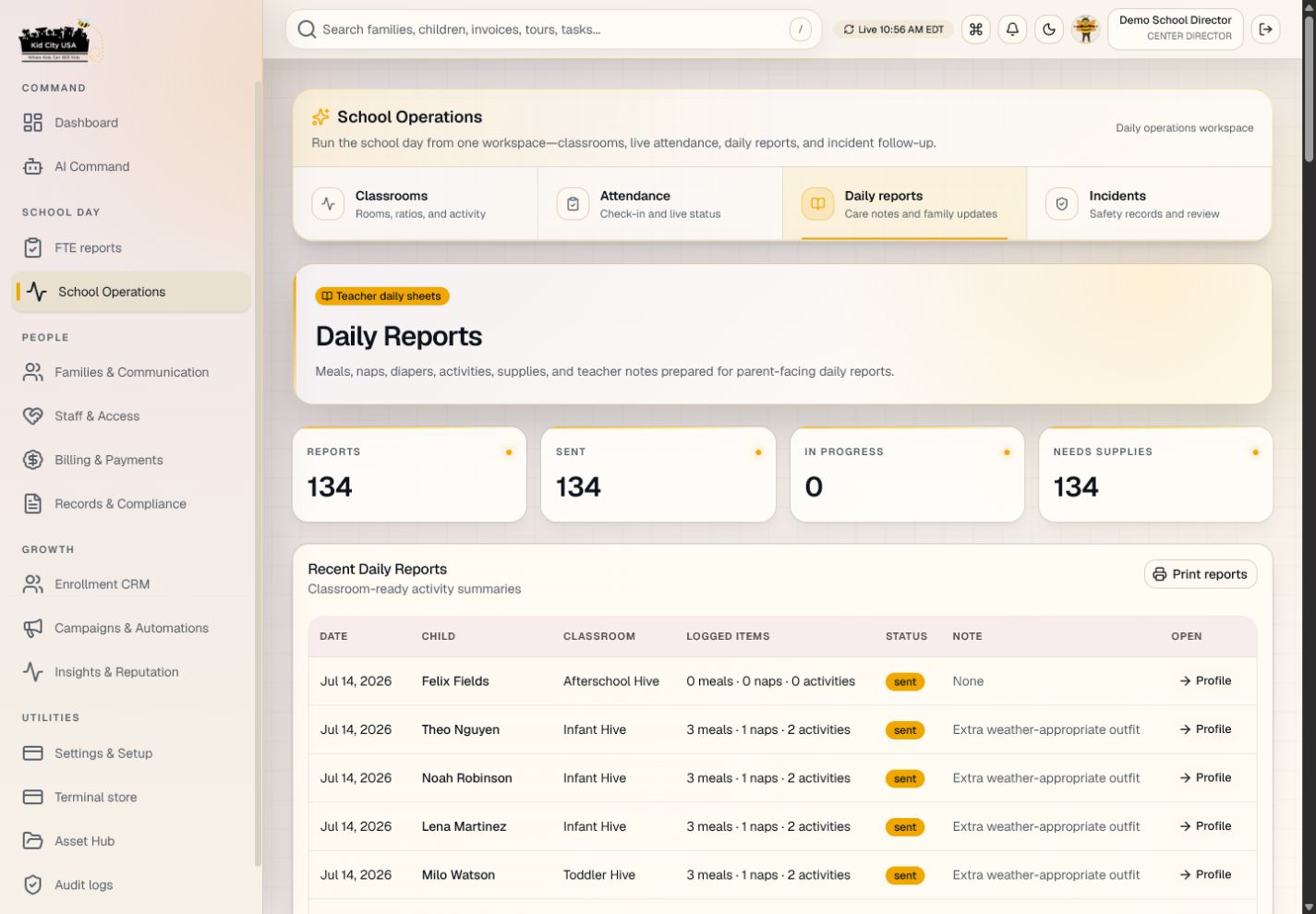
The lobby kiosk, classroom updates, photos, and daily reports create one connected record for staff and families.
Executive rollup
Operators see FTE, occupancy, conversion, revenue readiness, ratio snapshots, and action queues across every center.
Account separation
A provider can run one school, a franchisee can own a few locations, and a brand admin can manage the larger network without crossing data boundaries.
Visual guides that make the platform easier to explain.
These product maps help new users, school leaders, franchise teams, and agency partners understand The BEE Suite before they touch the dashboard.
Show the full operating model without opening every tab.
Explain what schools configure before going live.
Teach each role how their dashboard connects to the rest of the suite.

Childcare operating system
Shows how enrollment, operations, families, billing, reporting, and platform controls connect around one shared school record.

Inquiry to enrolled family
Explains the website form, Location ID routing, CRM follow-up, family setup, and school operations handoff.

Permission-safe data model
Clarifies why executives, directors, teachers, parents, auditors, and pickup users each see the right scope.

School go-live setup path
Walks a new school through active location setup, director configuration, classrooms, families, billing, routing, and smoke testing.

Daily operating loop
Frames the everyday school rhythm from morning command check through drop-off, teacher logs, parent communication, and closeout reporting.
Designed for how schools actually use the system.
The BEE Suite is not just a back-office dashboard. It supports the lobby, classroom, enrollment desk, director office, and executive view with role-aware screens and workflows.

Lobby check-in without the morning scramble
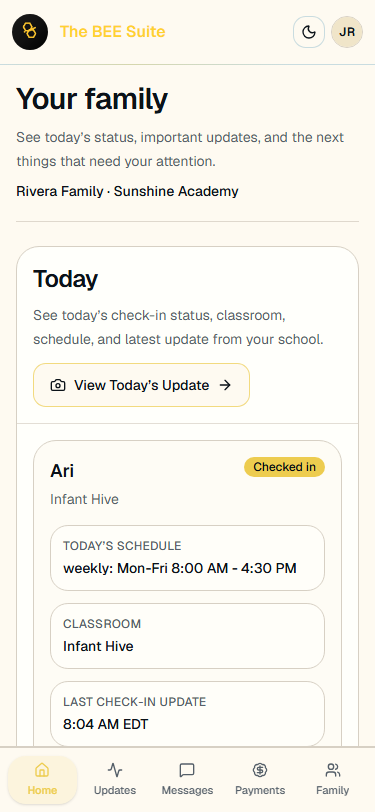
Parents use director-managed PIN or QR options while the school keeps attendance, pickup authorization, and daily arrival records in one place.

Teacher updates while the classroom keeps moving
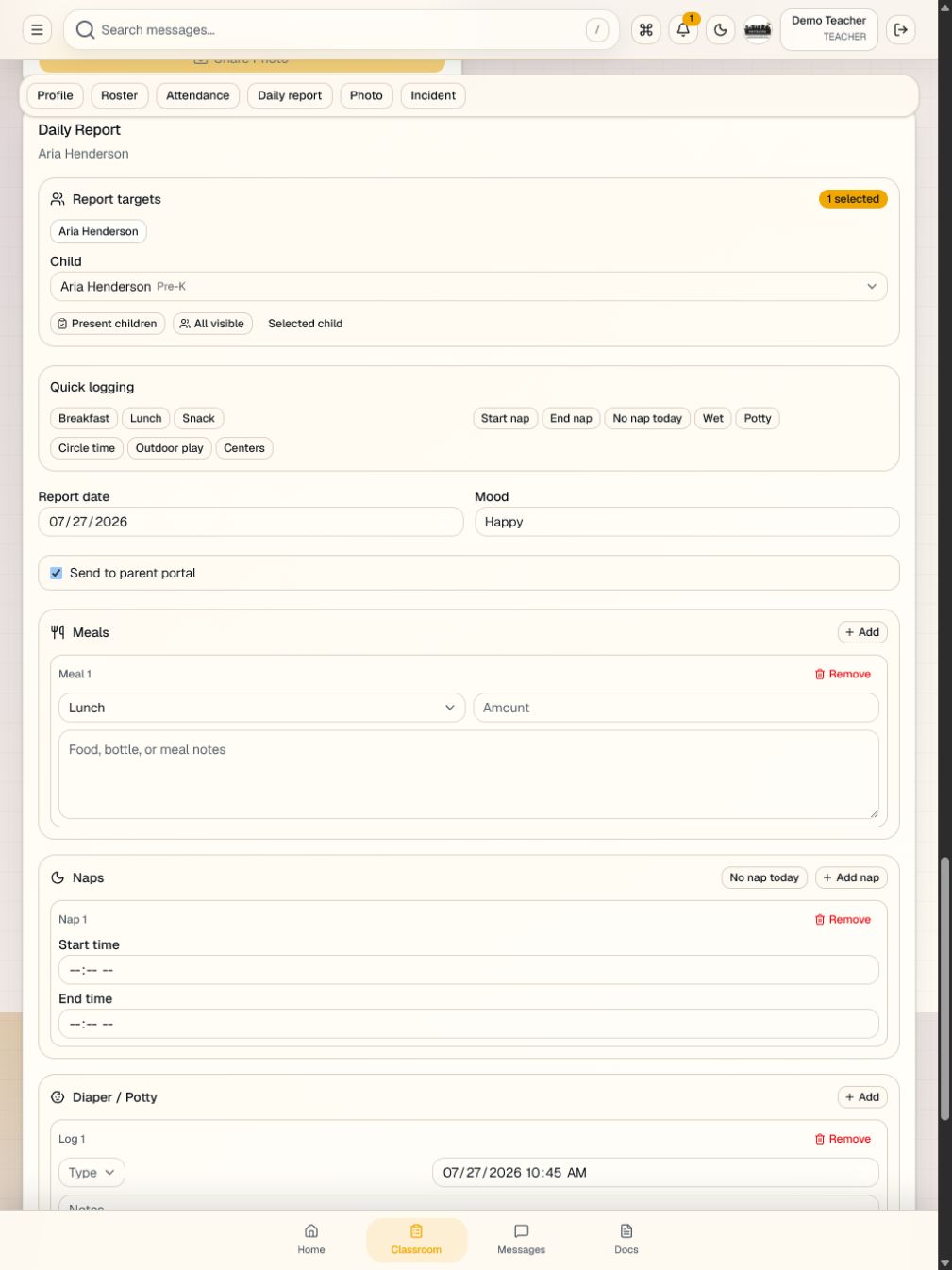
Staff can document meals, naps, activities, photos, incidents, and daily reports without turning classroom communication into end-of-day paperwork.

Director follow-up with the full school picture
Directors can review leads, tours, applications, tuition setup, staffing, documents, and parent communication from the same operating record.
Production onboarding starts with the pieces a provider actually needs.
A new operator can create a gated workspace, define the ownership container, complete brand and center setup, copy their inquiry form, invite users, and prepare payout onboarding before live parent workflows are enabled.
Brand profile
Name, theme, logo assets, custom domain, and parent-facing identity.
Owner groups
Single-center owners, franchisees, and multi-location operators stay properly separated.
Centers
Location profiles, CRM IDs, routing emails, capacity, and open or closed status.
Users
Role-scoped access for owners, regional teams, directors, staff, and auditors.
Branding layers
Tenant, brand, owner group, and center customizations can override the right surfaces.
Inquiry form
Copyable embed codes tied to the correct center or multi-location account.
Online registration
Public registration packets create application-stage leads and director review tasks.
Payouts
School payout readiness is captured before live parent checkout is enabled.
Reports
FTE, CRM, occupancy, revenue, task, and conversion snapshots for schools and executives.
Representative launch feedback from the people who run childcare.
These generated composite quotes reflect the franchisee, director, corporate, teacher, and childcare-agency workflows The BEE Suite is built to support. They are not presented as verified customer endorsements.
The part that matters to franchisees is separation. I can see owner-group performance without giving every location access to every other school’s families, billing, or staffing details.
Our directors used to chase leads in email, text threads, and sticky notes. The BEE Suite gives them one place to see inquiry source, tour status, registration packet, and next follow-up.
Online registration is useful because it does not just collect a form. Approval creates the family record, document requests, checklist, parent portal invite, and billing next steps.
I need to know what is missing before a child starts: custody paperwork, immunizations, signatures, tuition setup, classroom assignment, and start date. The checklist makes that visible.
At the corporate level, the value is a cleaner operating rhythm. We can review FTE, pipeline, open documents, payments readiness, ratios, and location setup without asking schools for another spreadsheet.
The teacher view is practical. I can add meals, naps, activities, photos, and notes during the day instead of reconstructing everything after pickup.
For agencies supporting multiple providers, the document and compliance queues are the difference. It is easier to see which families, staff, or children need records before a visit or file review.
Medication logs, incident review, emergency drills, and staff credential reminders all reduce the number of places directors have to look before they know what needs attention.
The AI assistant helps with the blank-page problem. It can draft a warm parent reply or summarize a lead, but the school still makes the final call on sensitive issues.
Executive reporting without losing the school-level truth.
The BEE Suite gives operators a fast view of enrollment health, inquiry conversion, school activity, open tasks, billing readiness, compliance work, and FTE reporting. Existing spreadsheets can remain a backup while the app becomes the daily operating view.
Tours, applications, deposits, waitlist, lost leads
Occupancy, open seats, ratio snapshots, tasks
Multi-location pipeline, FTE, revenue, source mix
Expiring docs, incidents, certifications, audit trails

Helpful drafts. Human decisions.
Mr. Bee can summarize a lead, draft a tour follow-up, suggest a parent reply, and highlight next steps. Sensitive safety, medical, custody, billing, licensing, and compliance decisions stay with authorized staff.
Role-scoped
Users only see the centers and workflows their role allows.
Sensitive by design
Custody, medical, child, and billing data are treated as protected workflows.
Review-ready
Important changes create traceable records for operational review.
Ready to run enrollment from one command center?
Start the SaaS onboarding path for a childcare center, preschool, agency, franchise, or multi-location brand, or review the public registration packet.